Ad: this article contains affiliate links. If you buy through them, we earn a commission at no extra cost to you. Our reviews are based on research into manufacturer specifications, retailer information and published sources; we have not tested every product ourselves. Prices and stock change often, so check the retailer before you buy.
With a plethora of options available, understanding what makes a mouse suitable for your needs can be challenging. Factors like ergonomics, connectivity, and precision can separate a good mouse from an average one.
This guide explores a range of mice from budget-friendly to premium options, catering to different user preferences. From the versatile Logitech M720 to the gaming-centric ASUS ROG Harpe, we ensure there’s a suitable choice for everyone.
Our Picks at a Glance
| Award | Product | Best for |
|---|---|---|
| Best overall | Logitech M720 Triathlon Mouse | Hybrid workers who need multi-device connectivity. |
| Best for gaming | ASUS ROG Harpe Ace Aim Lab Edition | Competitive gamers needing high precision and flexibility. |
| Best premium | PULSAR Susanto-X Medium | Esports players seeking a highly customisable and precise mouse. |
| Best budget | Endgame Gear OP1 RGB | Gamers looking for an affordable yet reliable mouse. |
Best overall: Logitech M720 Triathlon Mouse
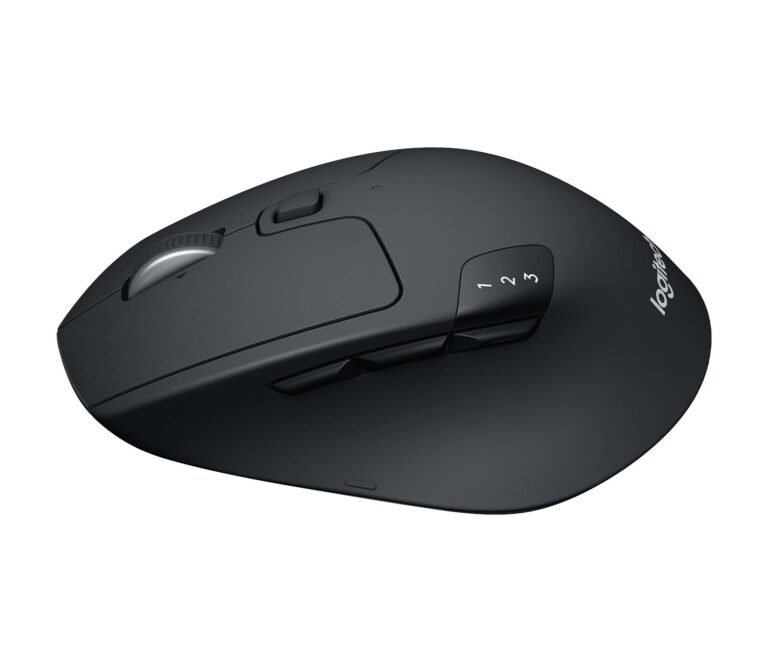
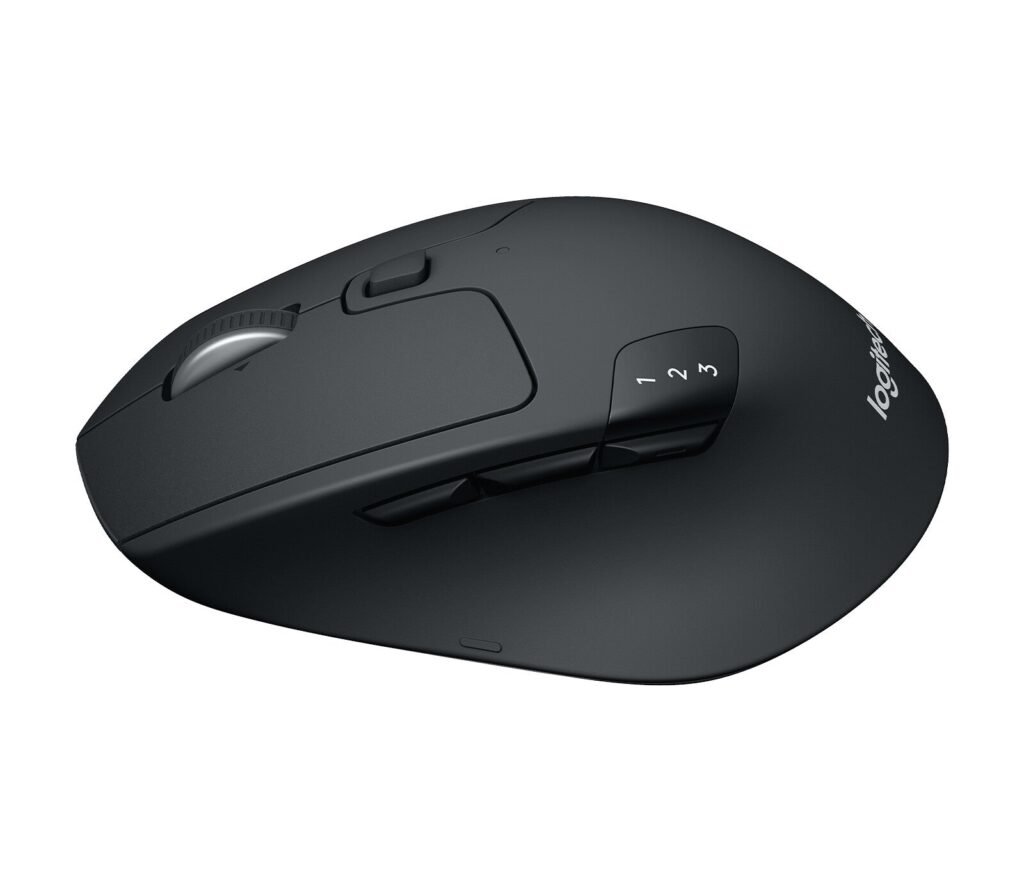
The Logitech M720 Triathlon Mouse excels as a versatile and durable option for general use. With its impressive 24-month battery life and compatibility with multiple operating systems, it’s designed for those who need a reliable and long-lasting solution. The mouse features dual connectivity options, allowing users to switch smoothly between Bluetooth and the Logitech Unifying receiver, making it ideal for multi-device setups.
It also includes Logitech FLOW technology, enabling users to move the cursor across three computers effortlessly. With six customisable buttons, users can personalise their workflow, enhancing productivity. The ergonomic design ensures comfortable usage over extended periods, making it a top choice for both office and home environments.
Pros
- 24-month battery life
- Compatible with multiple OS
- Dual connectivity options
- Multi-device support
- Customisable buttons
Cons
- Right-hand only
- Not the lightest option
Best for: Hybrid workers who need multi-device connectivity.
Best for gaming: ASUS ROG Harpe Ace Aim Lab Edition
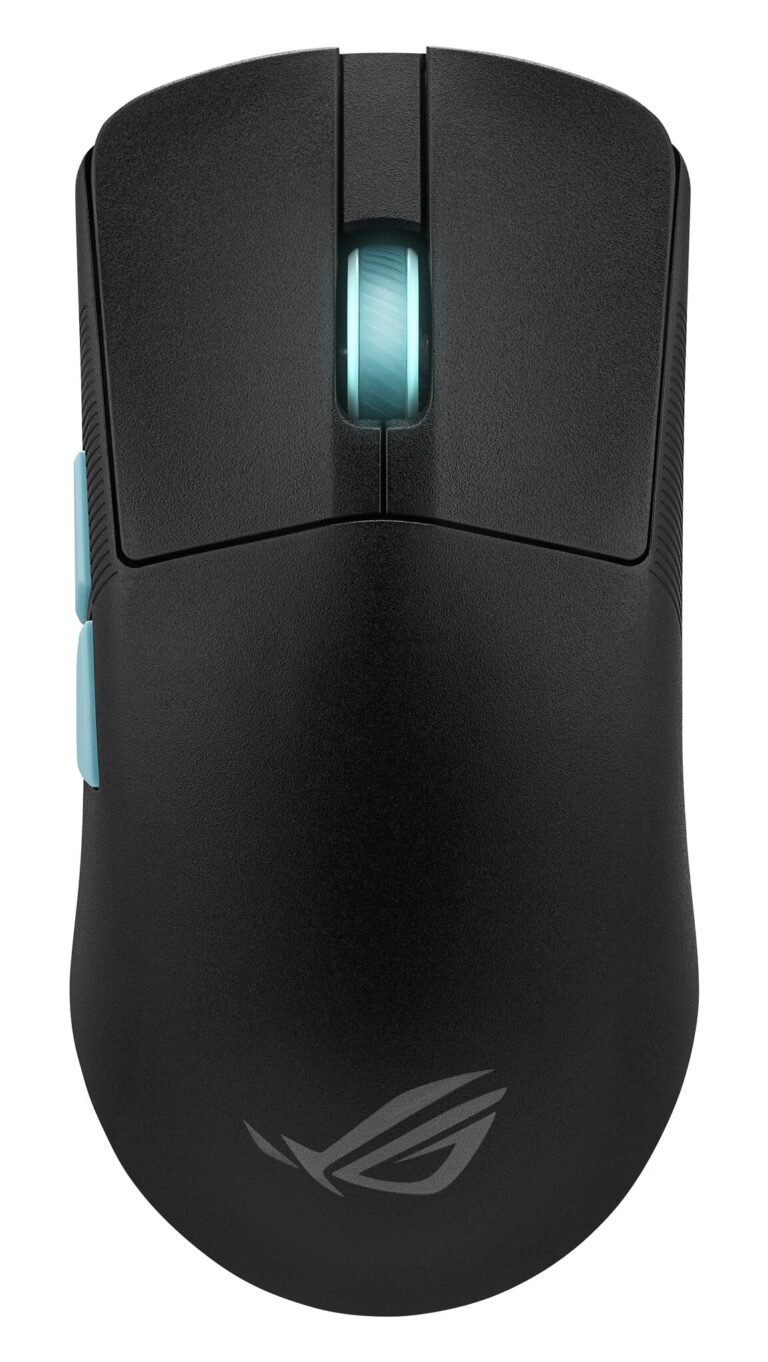
The ASUS ROG Harpe Ace Aim Lab Edition is tailored for gamers seeking precision and speed. Developed in collaboration with esports professionals, its form factor ensures maximum stability and control during intense gaming sessions. The ROG AimPoint optical sensor, boasting a 36,000 DPI, provides unparalleled accuracy, crucial for competitive gaming.
This mouse offers tri-mode connectivity, allowing flexibility with wired, 2.4 GHz RF, and Bluetooth options. Its lightweight design, coupled with ROG SpeedNova wireless technology, ensures low-latency performance. The onboard controls and programmable buttons make it a customisable tool for gamers who want to tweak their settings on the fly.
Pros
- 36,000 DPI optical sensor
- Tri-mode connectivity
- Lightweight design
- Low-latency performance
- Programmable buttons
Cons
- No left-hand support
Best for: Competitive gamers needing high precision and flexibility.
Best premium: PULSAR Susanto-X Medium
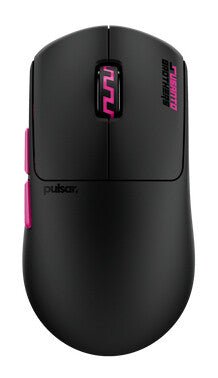
The PULSAR Susanto-X Medium mouse is a premium choice for esports enthusiasts who demand top-tier performance. Its ultra-lightweight design at 50 grams and symmetrical shape make it ideal for claw and relaxed claw grips. The mouse features the XS-1 flagship sensor with up to 32,000 DPI and an 8K polling rate, offering elite-level accuracy.
Designed in collaboration with professional gamers, it includes fully customisable sensor settings and keys. The fast and double-click-free optical switch ensures reliability during high-stakes matches. This mouse is built for those who prioritise precision and customisation in their gaming gear.
Pros
- Ultra-lightweight
- 32,000 DPI and 8K polling rate
- Customisable sensor and keys
- Designed for esports
- Reliable optical switch
Cons
- High price point
- Not ambidextrous
Best for: Esports players seeking a highly customisable and precise mouse.
Best budget: Endgame Gear OP1 RGB
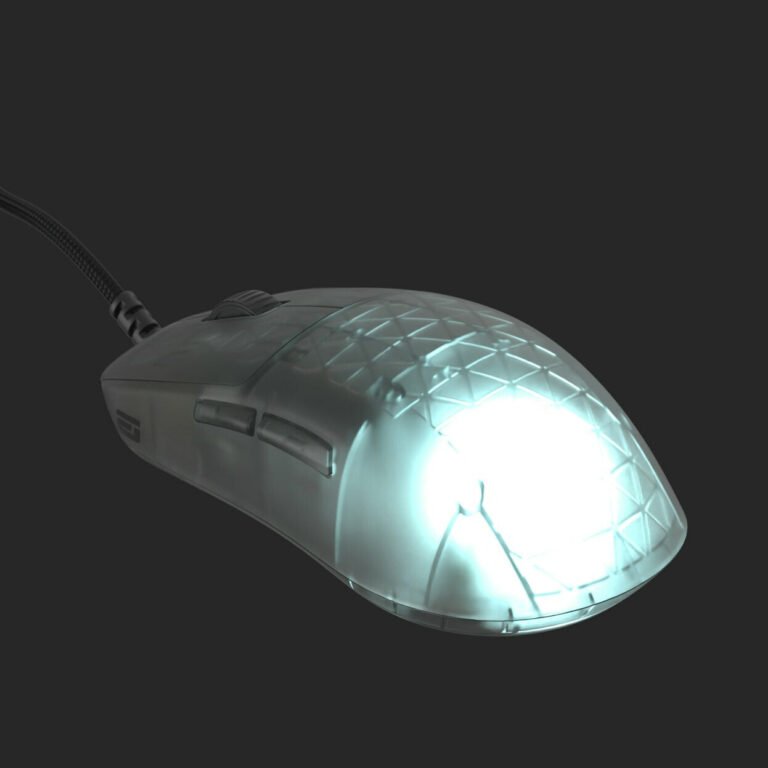
The Endgame Gear OP1 RGB offers excellent value for gamers on a budget. Despite its lower price, it features a powerful PixArt PAW3395 sensor with up to 26,000 DPI, ensuring precise and fast tracking. The mouse is designed for right-handed users and includes six buttons, providing adequate functionality for most gaming needs.
Its mechanical Kailh GX switches guarantee responsive clicks, essential for gaming. With a simple wired connection and a minimalistic design, this mouse is a practical choice for those not wanting to compromise on performance while keeping costs down.
Pros
- Affordable price
- 26,000 DPI sensor
- Customisable RGB lighting
- Responsive Kailh GX switches
- Simple wired connection
Cons
- Right-hand only
- No wireless option
Best for: Gamers looking for an affordable yet reliable mouse.
Buying Guide
Understanding DPI and Sensitivity
DPI, or dots per inch, is a crucial factor when selecting a mouse, particularly for gamers who require precise movements. A higher DPI allows for faster cursor movements across the screen, which can be beneficial in fast-paced games. However, for general use, a DPI range between 800 to 1600 is typically sufficient.
Sensitivity settings can usually be adjusted via software, allowing users to tailor the mouse’s responsiveness to their preferences. If you’re a gamer, look for a mouse with a high DPI and the ability to switch DPI settings on the fly for different game scenarios.
Ergonomics and Comfort
Comfort is key, especially if you spend long hours using a mouse. Ergonomically designed mice reduce the risk of strain and injury. Look for mice with a shape that fits your grip style, whether it’s palm, claw, or fingertip.
Right-handed users will find more options available, but if you’re left-handed or need an ambidextrous design, ensure the mouse caters to your needs. Features like a rubberised grip and a contoured shape can enhance comfort significantly during extended use.
Connectivity Options
Modern mice offer various connectivity options, including wired, Bluetooth, and RF wireless. Wired mice are often preferred for gaming due to their consistent performance without latency issues. However, wireless mice provide the convenience of no cables and are ideal for portable setups.
Some mice offer dual or tri-mode connectivity, allowing users to switch between different devices effortlessly. Consider your setup and whether you need a mouse that can connect to multiple devices, such as a laptop, desktop, or tablet.
Customisation and Features
Customisable features can enhance your experience, particularly for gaming or productivity tasks. Look for mice with programmable buttons, allowing you to assign functions or macros for quick access to commands.
RGB lighting is another feature that, while aesthetic, can personalise your setup. Some mice also offer adjustable weights or scroll wheel modes, catering to specific user preferences. Evaluate which features are essential for your use case and choose accordingly.
How We Chose
The mice featured in this guide were selected based on their specifications, current UK retailer data, and published manufacturer information. Our aim was to cover a range of options to suit different budgets and needs, from gaming enthusiasts to those seeking ergonomic solutions.
The products were chosen to highlight different strengths, such as precision, connectivity, and customisation, ensuring that each mouse meets specific user requirements. By focusing on manufacturer-provided data, we ensure an accurate representation of each product’s capabilities.
Frequently Asked Questions
What DPI should I look for in a gaming mouse?
For gaming, a mouse with a DPI range of 4000 to 16000 is typically sufficient. Higher DPI settings allow for faster cursor movement, which can be advantageous in high-paced games.
Are wireless mice good for gaming?
Yes, many modern wireless mice offer low-latency connections that are suitable for gaming. Look for mice with RF wireless technology or Bluetooth with low-latency performance for the best experience.
How important is mouse ergonomics?
Ergonomics are crucial if you use a mouse for extended periods. An ergonomic design can prevent strain and injury by supporting a natural hand position, reducing the risk of discomfort.
Our Verdict
Our top pick, the Logitech M720, offers excellent versatility and durability, making it suitable for a wide range of users. For gamers, the ASUS ROG Harpe provides precision and flexibility, while the PULSAR Susanto-X caters to those seeking premium performance. Budget-conscious users will find the Endgame Gear OP1 RGB a valuable option without compromising on essential features.