Ad: this article contains affiliate links. If you buy through them, we earn a commission at no extra cost to you. Our reviews are based on research into manufacturer specifications, retailer information and published sources; we have not tested every product ourselves. Prices and stock change often, so check the retailer before you buy.
Short answer
To charge a laptop and a phone simultaneously, you’ll typically need a dock with at least 65W of power delivery. This ensures that the laptop receives enough power while the phone charges efficiently.
Understanding Power Delivery
Power Delivery (PD) is a specification allowing devices to negotiate power requirements over a USB connection. This is crucial for devices like laptops and phones, which have varying power needs. Laptops typically require higher wattage than phones, so a dock with sufficient power delivery ensures both devices charge efficiently.
USB-C Power Delivery is a common feature in modern docks, allowing them to deliver up to 100W of power. This capability is essential for charging power-hungry laptops while simultaneously powering other devices, such as phones, which generally need around 5-18W. Understanding these requirements helps in selecting the right dock for your charging needs.
Calculating Your Power Needs
To determine the wattage needed, check the power requirements of your laptop and phone. Laptops often need between 30W and 100W, depending on the model and usage, while phones require significantly less. Adding these together gives a rough estimate of the total power needed when charging both devices simultaneously.
For example, a MacBook Air may require 30W, and a typical smartphone needs around 10W. Therefore, a dock with at least 40W of power delivery would suffice. However, opting for a 65W or higher dock provides a buffer, ensuring the laptop charges efficiently even when under load.
Worked Example: Power Distribution
Consider the j5create JCD543P USB-C Triple Display Docking Station, which offers 100W of power delivery. This means it can easily charge a high-powered laptop while also charging a phone. Typically, the dock will allocate the necessary power to the laptop first, with the remaining power available for other devices.
If you connect a laptop that requires 60W, the dock can still provide up to 40W for other peripherals, including a phone. This ensures your laptop remains charged while still providing sufficient power for your phone.
Common Mistakes to Avoid
One common mistake is underestimating the power requirements of your devices. Using a dock with insufficient power delivery can lead to slow charging or failure to charge both devices simultaneously. Always check the power output details of both the dock and your devices.
Another error is ignoring the power distribution capabilities of the dock. Not all docks distribute power evenly across ports, which can lead to one device charging slower than expected. Ensure the dock you choose clearly states its power distribution capabilities to avoid these issues.
Products That Fit
j5create JCD543P
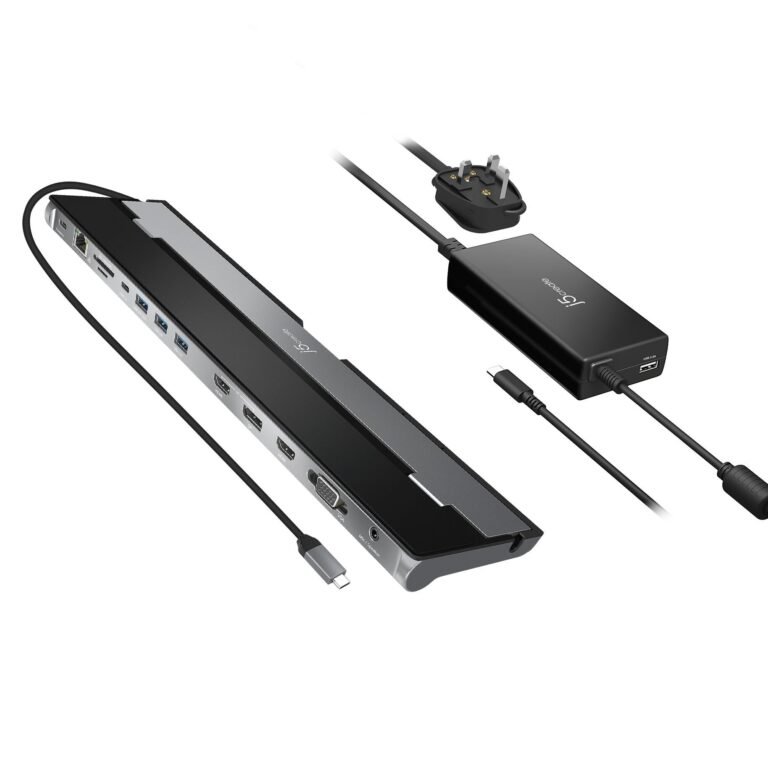
It offers 100W of power delivery, sufficient for charging a laptop and a phone.
HP USB-C/A Universal Dock G2
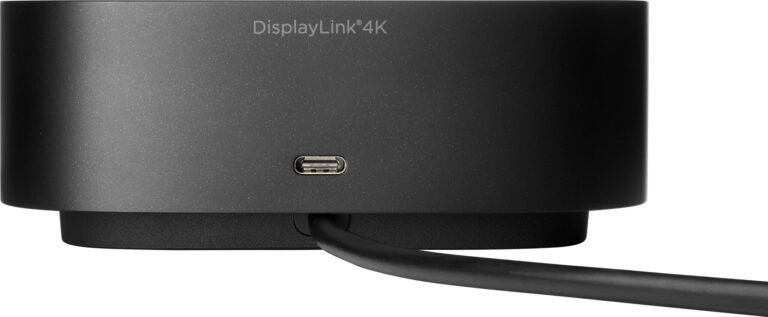
It provides multiple display support and robust power delivery.
ALOGIC USB-C Dock Wave
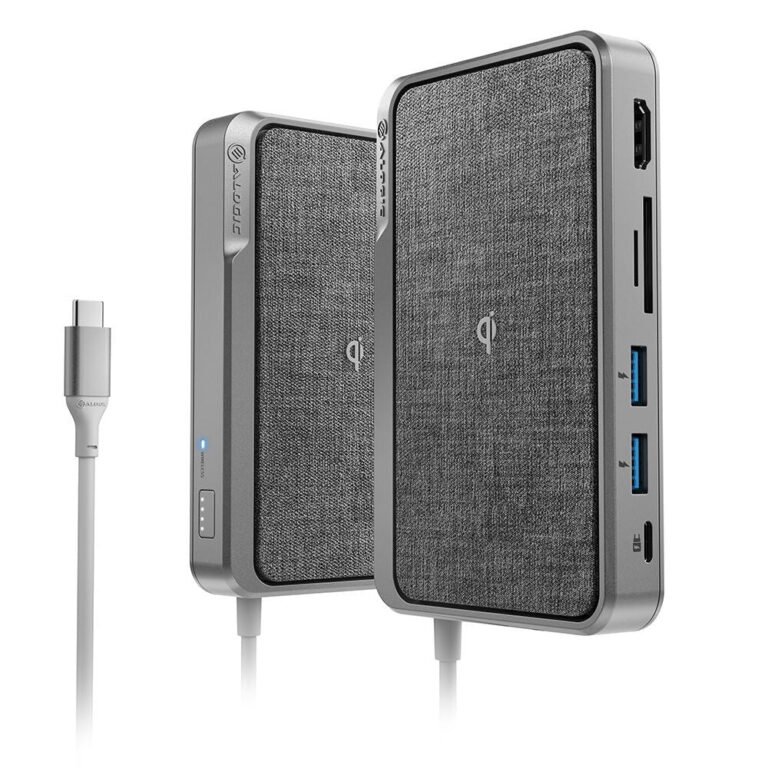
It combines power delivery with a power bank and wireless charging for versatility.
See all our picks in The Best Laptop Docks & Port Replicators in 2026.
Frequently Asked Questions
Can I charge my laptop with a phone charger?
While it’s technically possible if both support USB-C, a phone charger usually provides insufficient wattage for a laptop, leading to slow or ineffective charging.
What happens if I use a lower wattage charger for my laptop?
Using a lower wattage charger can result in slow charging and may not be able to keep up with the laptop’s power demands, especially under heavy use.
How do I know if my dock supports Power Delivery?
Check the specifications on the dock’s packaging or the manufacturer’s website to see if it mentions USB-C Power Delivery and the wattage it supports.