

Ad: this article contains affiliate links. If you buy through them, we earn a commission at no extra cost to you. Our reviews are based on research into manufacturer specifications, retailer information and published sources; we have not tested every product ourselves. Prices and stock change often, so check the retailer before you buy.
Short answer
Ergonomic mice are designed to reduce strain and discomfort during prolonged use. They come in various designs like vertical, trackball, and ambidextrous to cater to different needs and preferences.
Understanding Ergonomic Mice
Ergonomic mice are designed to minimise strain and discomfort during extended use by promoting a more natural hand position. Unlike traditional mice, ergonomic models aim to alleviate common issues such as wrist pain and repetitive strain injuries. They achieve this through various designs, including vertical, trackball, and ambidextrous options, each catering to different user needs and preferences.
Vertical mice, for example, allow the hand to rest in a handshake position, reducing the twist of the forearm. Trackball mice, on the other hand, require less hand movement, making them suitable for users with limited desk space or those who prefer a stationary hand position. Ambidextrous mice offer flexibility for both left and right-handed users, ensuring comfort and ease of use regardless of dominant hand.
Types of Ergonomic Mice
Vertical mice are increasingly popular for their ability to promote a natural hand position. By positioning the hand vertically, these mice reduce the strain associated with twisting the forearm. This design is particularly beneficial for users who experience discomfort with traditional mice.
Trackball mice are another ergonomic option, featuring a stationary base with a ball that the user manipulates with their fingers or thumb. This design reduces wrist movement, making it a suitable choice for users who need to minimise hand motion. Ambidextrous mice provide a symmetrical design, allowing comfortable use with either hand, which is ideal for shared workspaces or users who switch hands frequently.
Worked Example: Fellowes Ambidextrous Vertical Mouse
The Fellowes Ambidextrous Vertical Mouse is a versatile option for users looking to reduce wrist strain. Its vertical design encourages a natural hand position, which can alleviate muscle and wrist strain. The mouse features adjustable DPI settings, ranging from 400 to 1200 DPI, allowing users to customise sensitivity for precise control.
This mouse is suitable for both left and right-handed users, thanks to its symmetrical design. It also includes Biocote antimicrobial technology, providing hygienic protection against mould and bacteria.
Common Mistakes in Choosing Ergonomic Mice
One common mistake buyers make is overlooking the importance of hand size and grip style. Purchasing a mouse without considering these factors can lead to discomfort and inefficiency. It’s essential to measure your hand and understand your grip style to find a mouse that fits well.
Another mistake is not considering the specific ergonomic needs, such as wrist support or the ability to switch hands. Users should evaluate their work habits and any existing discomforts before selecting a mouse. Additionally, failing to explore customisable features, like programmable buttons, can limit the potential for increased productivity and comfort.
Products That Fit
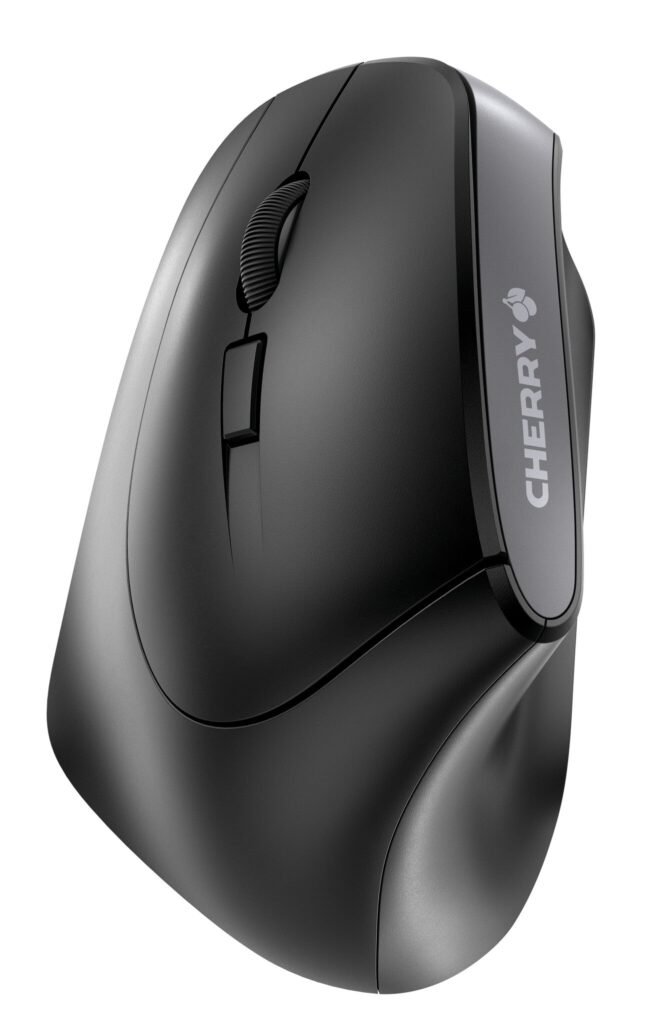
CHERRY MW 4500
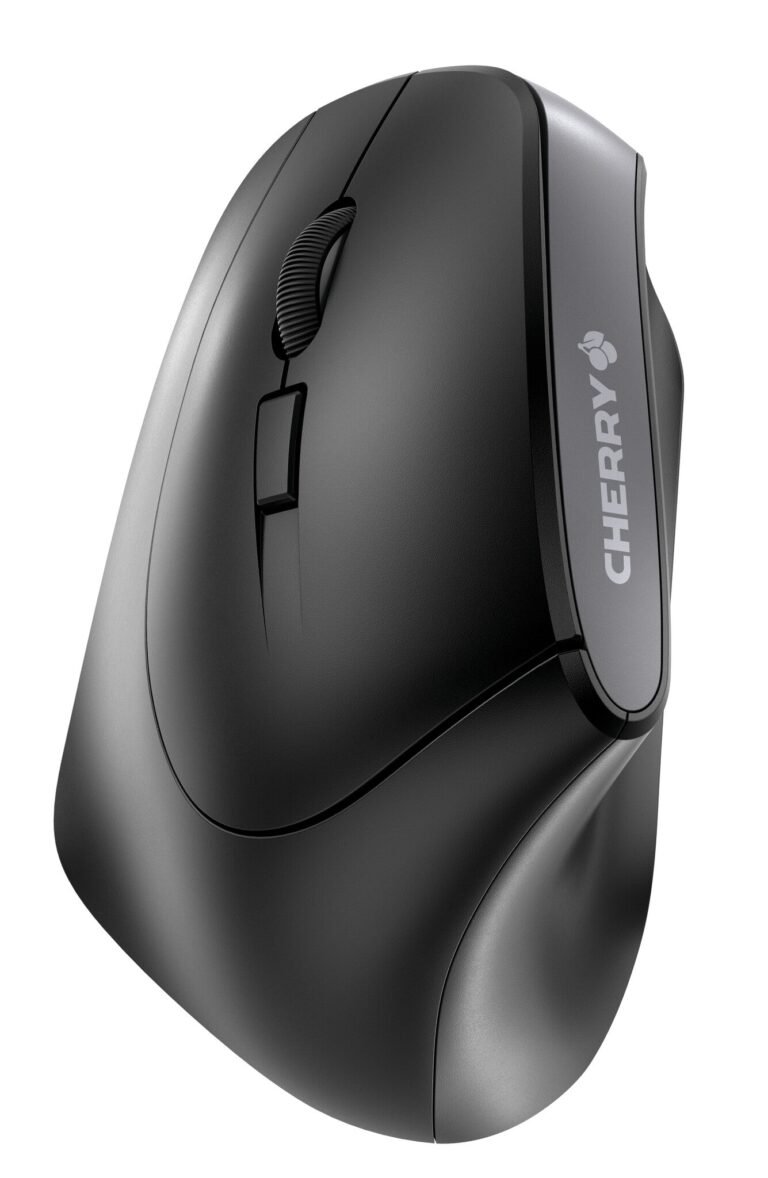
It’s specifically designed for left-handed users, offering ergonomic benefits with a vertical 45° design.
Fellowes Ambidextrous Vertical Mouse
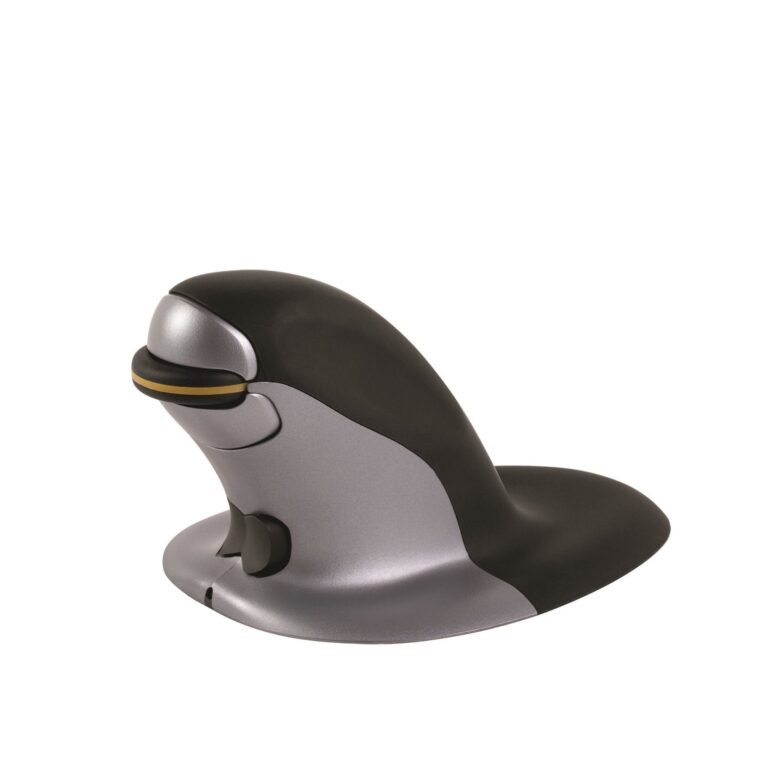
This mouse provides a vertical design suitable for both left and right-handed users, reducing wrist strain.
PULSAR Susanto-X Medium
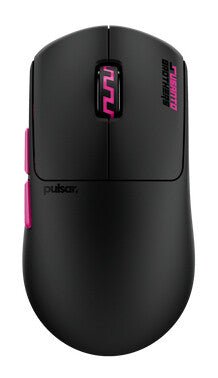
Offers an ambidextrous design with high precision, ideal for users needing a versatile ergonomic mouse.
See all our picks in The Best Mice & Trackballs in 2026.
Frequently Asked Questions
What is the benefit of a vertical mouse?
A vertical mouse promotes a natural hand position, reducing the twist of the forearm. This design can alleviate wrist and muscle strain, making it beneficial for users who experience discomfort with traditional mice.
Are trackball mice better for ergonomics?
Trackball mice can be advantageous for ergonomics as they require less wrist movement. This makes them suitable for users with limited desk space or those who prefer a stationary hand position, reducing strain and fatigue.
Can an ergonomic mouse improve productivity?
Yes, an ergonomic mouse can improve productivity by reducing discomfort and fatigue during extended use. Customisable buttons and adjustable DPI settings can also enhance efficiency by allowing users to tailor the mouse to their specific tasks.


