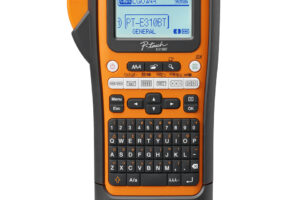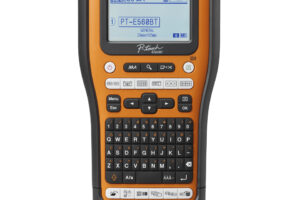


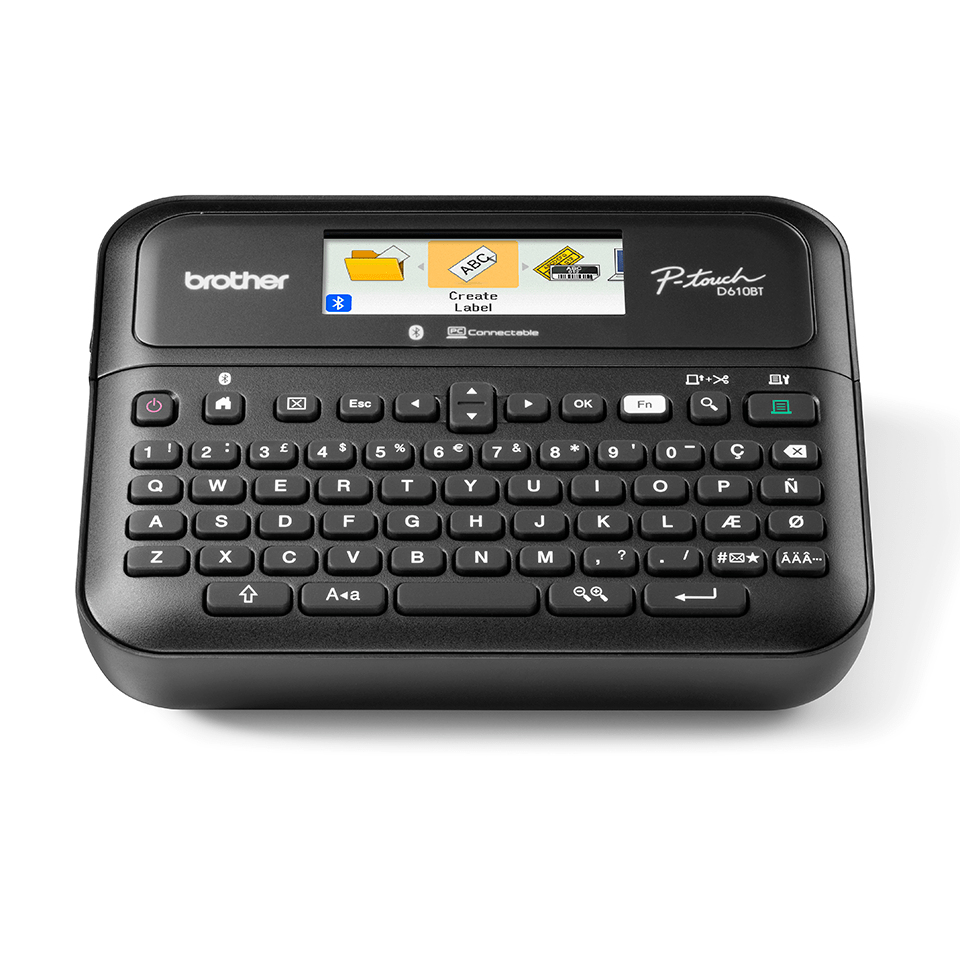
In any business environment, the need for clear and organized labeling is paramount. Whether you’re managing inventory, organizing files, or conveying product information, a reliable label printer can streamline these tasks. The Brother PT-D610BTVP label printer aims to meet these demands with its compact design and robust functionality.
This printer offers thermal transfer printing at a resolution of 180 x 360 DPI, ensuring that labels are not only legible but also durable. With the capability to print labels up to 24mm wide and the inclusion of features like an automatic cutter, it is designed for high-volume tasks, making it suitable for offices and retail environments alike.
Pros
- High resolution of 180 x 360 DPI for clear labels.
- Fast print speeds enhance productivity for high-volume tasks.
- Automatic cutter ensures neat label separation.
- Compatible with Brother’s durable TZe tapes, resistant to water, abrasion, chemicals, and temperature extremes.
- Built-in keyboard allows for standalone operation without needing a computer.
- Bluetooth and USB connectivity options provide flexibility in how users create labels.
Cons
- Limited to label widths of 24mm, which may not suit all labeling needs.
- Requires proprietary TZe tapes, which could increase long-term costs.
- No rechargeable battery option, limiting portability without a power source.
- Initial setup may require software installation for advanced features.
Who It’s For
Small business owners who need to manage inventory efficiently with clear labels.
Office workers tasked with organizing files and folders for easy access.
Retail managers looking to convey product information effectively through durable labels.
How We Evaluated
The Brother PT-D610BTVP was assessed based on its printing capabilities, including resolution, speed, and durability of labels produced. Comparisons were made with similar label printers such as the Dymo LabelWriter and Epson LabelWorks, focusing on features like connectivity options and user-friendliness. User reviews and expert evaluations were also considered to gauge performance in real-world scenarios.
Key attributes such as the printer’s compatibility with various TZe tape types and the flexibility of Bluetooth and USB connections were crucial in determining its suitability for different business environments. The printer’s design and ease of use were also evaluated to ensure it meets the needs of various users, from office workers to retail managers.
Affiliate Disclosure: This article contains affiliate links. When you purchase through links on our site, we may earn a commission at no additional cost to you. Our editorial team independently selects products based on research and testing. We only recommend products we genuinely believe in.