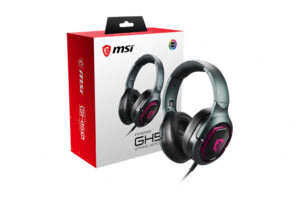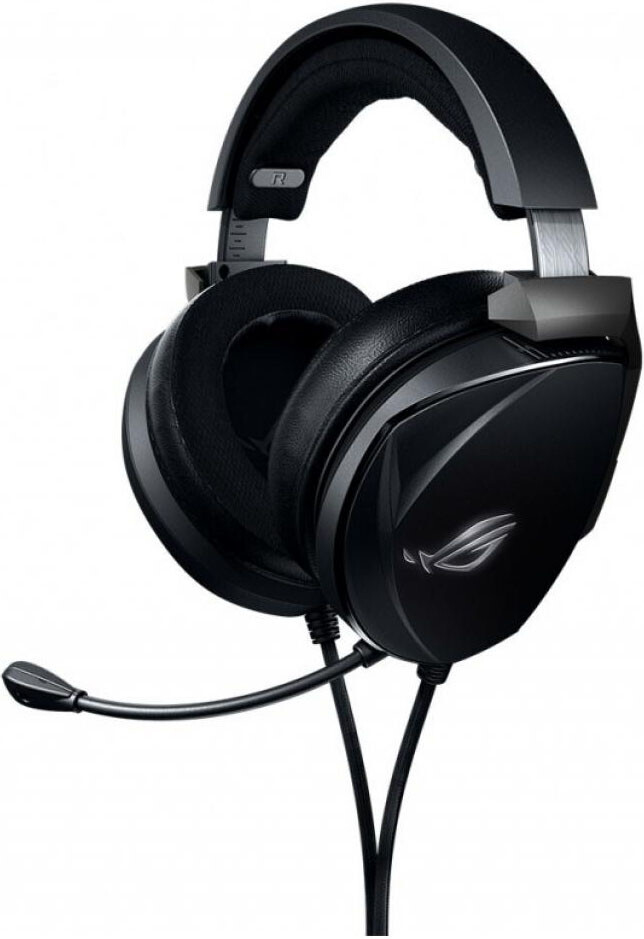
Many gamers struggle to find a headset that delivers both high-fidelity audio and comfort for prolonged sessions. The ASUS ROG Theta Electret aims to bridge this gap with its advanced electret driver technology and specialized design aimed at audiophiles and gamers alike.
With features like an ergonomic design, dual ear cushions, and high-quality materials, the Theta Electret promises immersive sound quality and comfort. This headset is designed not just for gaming, but also for music enthusiasts who demand clarity and depth in their audio experience.
Pros
- Exceptional audiophile sound quality with electret driver technology
- Optimized bass performance from ROG Essence drivers
- Comfortable ear cushions with fast-cooling fabric and protein leather
- Detachable unidirectional boom microphone for clear communication
- Cross-platform compatibility with multiple devices
- Sturdy aluminum-alloy construction for durability
Cons
- Lacks wireless connectivity options
- Higher price point compared to standard gaming headsets
- Bulkiness may not appeal to users seeking a lightweight option
- Not all users may benefit from the audiophile-grade sound in casual gaming
Who It’s For
Professional gamers seeking competitive audio clarity and comfort during long sessions.
Audiophiles who enjoy gaming but prioritize high-quality sound reproduction.
Remote workers who need a reliable headset for clear communication during video calls.
How We Evaluated
We assessed the ASUS ROG Theta Electret by comparing it with other high-end gaming headsets, focusing on sound quality, comfort, and build durability. Key specifications such as frequency response, driver technology, and microphone quality were compared against competitors like the SteelSeries Arctis Pro and HyperX Cloud II.
The Theta Electret’s use of electret drivers for mid and high frequencies was a significant factor in its sound quality. We also considered user feedback on comfort during extended use, especially for gamers who wear glasses, and how the detachable microphone performed in various communication applications.
Affiliate Disclosure: This article contains affiliate links. When you purchase through links on our site, we may earn a commission at no additional cost to you. Our editorial team independently selects products based on research and testing. We only recommend products we genuinely believe in.