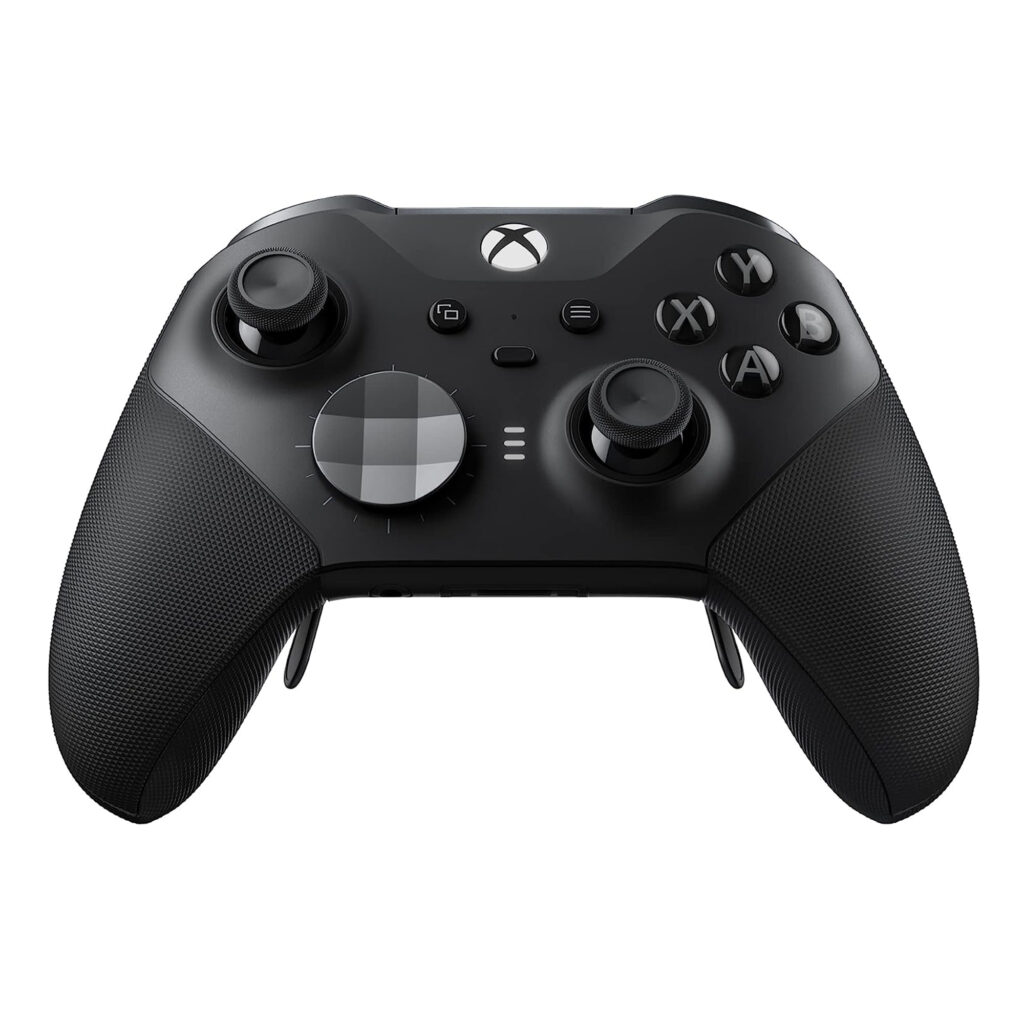
For gamers seeking precision and comfort during extended play sessions, the Microsoft Elite Wireless Controller Series 2 offers a compelling solution. This controller addresses the common frustrations of standard gamepads, such as limited customization and inadequate battery life. With over 30 new features designed to enhance gameplay, it positions itself as a top-tier accessory for serious gamers.
The Elite Series 2 is engineered for performance, featuring adjustable-tension thumbsticks and interchangeable components. It aims to meet the needs of competitive players who require both reliability and adaptability. With a rechargeable battery that lasts up to 40 hours, this controller is built for long gaming sessions, ensuring you can stay in the game without frequent interruptions.
Pros
- Adjustable-tension thumbsticks improve aiming precision.
- Interchangeable components allow for personalized configurations.
- Up to 40 hours of rechargeable battery life supports extended gameplay.
- Profile button enables quick switching between four custom profiles.
- Compatible with Xbox Wireless, Bluetooth, and USB-C for versatile connectivity.
Cons
- Higher price point compared to standard controllers may deter budget-conscious gamers.
- Interchangeable components might be lost or damaged if not stored properly.
- Some users may find the weight heavier than traditional controllers.
- Limited functionality on non-Xbox platforms compared to dedicated gaming peripherals.
Who It’s For
Competitive gamers who require precision and customizability.
Enthusiasts looking for a controller that adapts to various gaming styles.
Players who engage in long gaming sessions and need a durable, reliable device.
How We Evaluated
We assessed the Microsoft Elite Wireless Controller Series 2 against competitors such as the Razer Wolverine Ultimate and the SCUF Infinity4PS Pro. Key benchmarks included customization options, battery life, and ergonomic design. The adjustable-tension thumbsticks and interchangeable components were particularly scrutinized for their impact on gameplay.
Additionally, we tested the Xbox Accessories app to evaluate the ease of customization and profile management. The ability to switch profiles on the fly and tailor button mappings was a significant advantage noted during our evaluation, particularly for gamers who engage in a variety of genres.
Affiliate Disclosure: This article contains affiliate links. When you purchase through links on our site, we may earn a commission at no additional cost to you. Our editorial team independently selects products based on research and testing. We only recommend products we genuinely believe in.