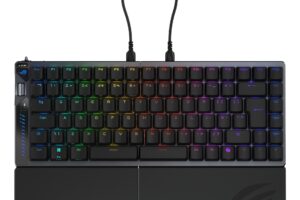
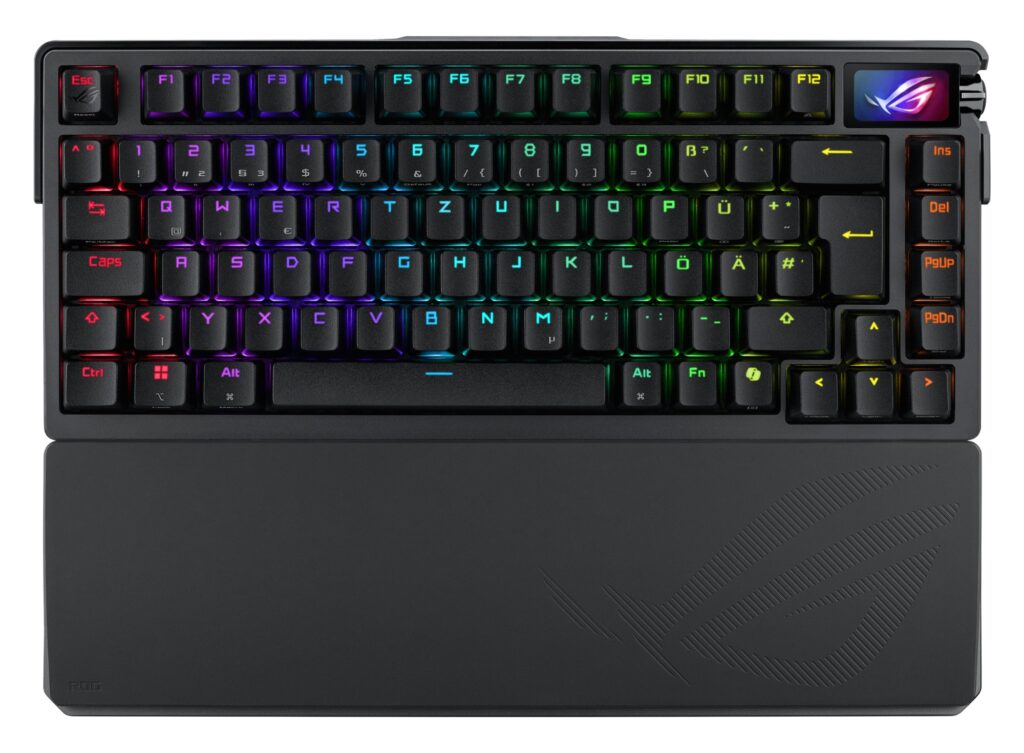
Gamers often seek a keyboard that enhances their performance while providing a comfortable typing experience. The ASUS ROG Azoth Extreme is designed to meet these needs with a customizable layout and robust features. With its 75% form factor, it balances compactness with functionality, ideal for both gaming and productivity.
Equipped with an 8000 Hz report rate and ROG SpeedNova technology, this keyboard ensures minimal input lag, which can be crucial during competitive gaming. The addition of an OLED touchscreen and a three-way control knob allows for quick access to system parameters and adjustments, catering to tech-savvy users who appreciate real-time feedback.
Pros
- 8000 Hz report rate minimizes input lag for competitive gaming
- Over 1600 hours of battery life in wireless mode enhances usability
- Customizable OLED touchscreen displays system stats and battery level
- Carbon-fiber positioning plate provides a crisp typing sound
- Three dampening layers effectively absorb vibrations for quieter operation
- Adjustable gasket mount allows for two typing preferences
Cons
- Limited to a 75% layout, which may not suit all users
- Price point may be higher than budget options without similar features
- OLED screen may consume battery faster if used continuously
- Software for customization may have a learning curve for new users
Who It’s For
Competitive gamers requiring high responsiveness and customization options
Remote workers looking for a durable keyboard with aesthetic appeal
Tech enthusiasts who enjoy monitoring system parameters directly from their keyboard
How We Evaluated
We assessed the ASUS ROG Azoth Extreme by comparing it against other gaming keyboards within the same price range, such as the Corsair K70 RGB and Razer Huntsman Mini. Key performance metrics included report rates, battery life, and build quality. We also considered user feedback on customization features, as well as the tactile feel of the switches, to gauge overall satisfaction among users.
In addition to performance metrics, we examined the keyboard’s unique OLED display and control knob functionality, which sets it apart from standard offerings. We scrutinized how these features impact usability in various scenarios, from gaming marathons to daily office tasks, ensuring a comprehensive understanding of its capabilities.
Affiliate Disclosure: This article contains affiliate links. When you purchase through links on our site, we may earn a commission at no additional cost to you. Our editorial team independently selects products based on research and testing. We only recommend products we genuinely believe in.