

Product Description
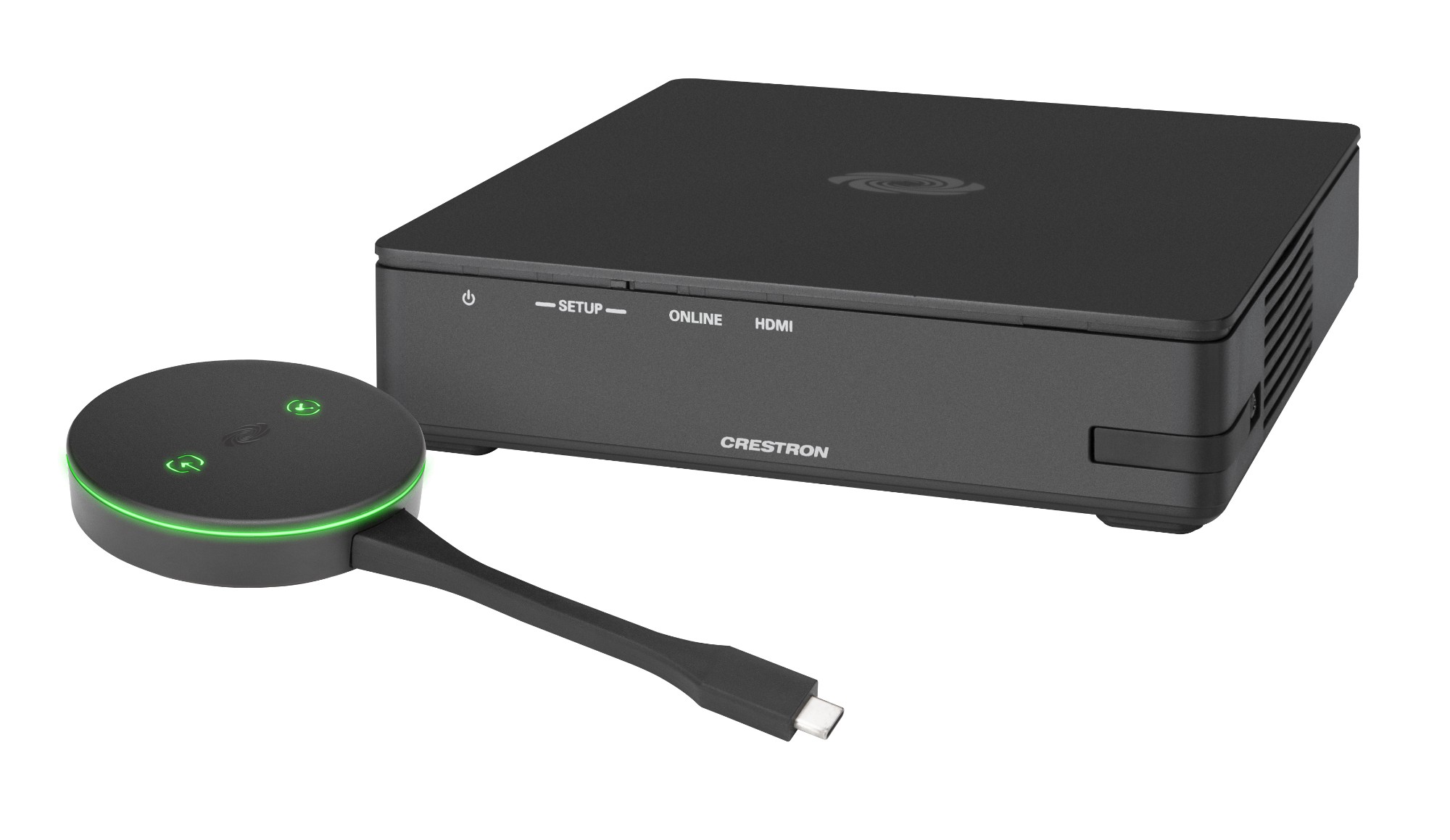
- The AM3-111-I KIT enables secure wireless collaboration in the modern digital workspace.
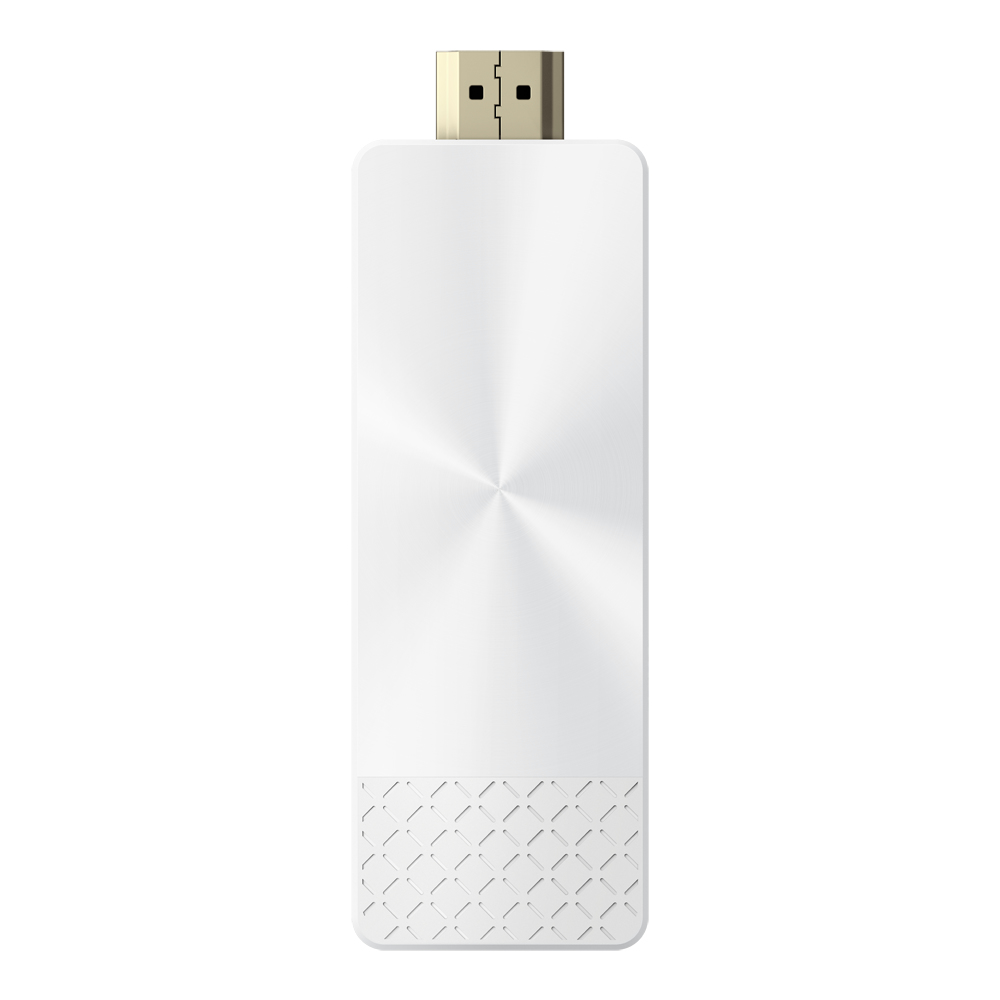
- The system contains an AirMedia Series 3 Receiver (AM-3100-WF-I) and an AirMedia Connect Adaptor (AM‑TX3‑100-I).
- The AM3-111-I KIT is easy to deploy and manage. and it can be installed in conference rooms. huddle rooms. lounges. lobbies. or almost any space to establish a productive meeting environment.
- Connect and PresentThe AirMedia Series 3 Receiver can be installed beneath. beside. or behind a display to implement a smart room with wireless collaboration.
- The receiver
- AirMedia wireless presentation capability an HDMI® output that connects to a display (up to 4K).
- Connect your laptop. smart phone. tablet.
- AirMedia Connect Adaptor. or other source type to instantly present the source image on the display.
- AirMedia Wireless PresentationWith AirMedia technology. users can wirelessly present content from laptops. smartphones. and tablet devices via built in Wi‑Fi® network capabilities or via an external Wi‑Fi wireless network.
- Present content from desktop or laptop computers using downloadable client software the AirMedia extension for Google Chrome™. or Miracast® screen mirroring technology (Windows 10 computers only).
- Present content from Android™ and iOS® mobile devices with the AirMedia app.
- For more information about AirMedia. visit www.crestron.com/airmedia.1Multi-Source PresentationPresent up to four sources simultaneously with the AirMedia Canvas feature.
- To maximize screen coverage.
- AirMedia Canvas automatically configures the best possible layout based on the number of active presenters. the type of sources. and their aspect ratios.
- Use the AirMedia app or a connected touch screen (sold separately) to manage sources and their position on the display.
- Wireless ConferencingWireless conferencing provides a premium collaboration experience by enabling video calling from almost any device.2 The AirMedia application provides wireless access to a host of connected conferencing peripherals. such as soundbars. cameras. or speakerphones.
- When using the AirMedia application. peripherals are immediately available on the user’s laptop for use in Microsoft Teams® or Zoom™ software.
- Enhanced Onscreen ExperienceWhen no source is connected. the AM3-111-I KIT displays a customizable welcome screen on the room display with simple instructions for connecting and presenting.
- Integration with Microsoft Exchange Server® (for Outlook® and Microsoft 365® software users).
- Google Calendar™. or Crestron Fusion® room scheduling software allows the space’s availability and meeting details to appear onscreen.
- As the meeting progresses. notifications appear periodically to indicate both the time left in the meeting and the next scheduled event.
- Pop-up messages sent from Crestron Fusion may also appear in the event of an emergency or to deliver an important announcement.
- Add-on Control OptionsEnable manual control of the AM3-111-I KIT by adding a 7 or 10 in.
- TS-70 or TSW-70 series touch screen.
- The touch screen provides an additional view of the room schedule and meeting details as well as controls for input source selection. display power on/off. and display volume and mute.
- Add a Power over Ethernet occupancy sensor (CEN‑ODT‑C‑POE) to control display or digital signage on/off based on room occupancy or vacancy.
- XiO Cloud® Provisioning and Management ServiceThe AM3-111-I KIT is compatible with the XiO Cloud service. which enables installers and IT managers to easily deploy and manage thousands of devices.
- The XiO Cloud service allows for system alerts and network management and provisioning.
- For more information. visit www.crestron.com/xiocloud.
- Native Appspace FunctionalityIntegrate the Appspace digital signage application with the AM3-111-I KIT.
- The AM3-111-I KIT can display content from an Appspace digital signage channel when no presentation is being made or when the room is not occupied.
- Crestron Fusion Room MonitoringPresentation spaces can be managed and centrally monitored through the Crestron Fusion enterprise management service.
- By adding an optional occupancy sensor (CEN-ODT-C-POE). the AM3-111-I KIT can report and log when people are in the space. turn the display on and off accordingly. and make unused spaces available for new bookings.
- Crestron Fusion software supports room scheduling. and can integrate with a variety of third-party calendaring applications.
- Instant alerts notify the help desk to rapidly resolve any problems and maximize uptime and workflow.
- For more information about Crestron Fusion. visit www.crestron.com/fusion.
- Enterprise-Grade SecurityThe AirMedia Presentation System is an enterprise-grade solution that can be deployed across hundreds of spaces and set up easily using a web browser.
- Crestron Fusion. or XiO Cloud software.
- Employing standard network security protocols such as 802.1x network access control.
- Active Directory® authentication. and AES content encryption. the AM3-111-I KIT protects privacy and ensur
Specifications
| Brand Id | 3766 |
|---|---|
| Specifications | Crestron AirMedia Series 3 Kit with AM-3100-WF Receiver and AM-TX3-100 Adaptor. International |
| Language | en |
| Delivery Time | Standard delivery in 3 working days |
| Delivery Cost | £0.00 |
| Warranty | 1 year |
| Keywords | Crestron AirMedia Series 3 Kit with AM-3100-WF Receiver and AM-TX3-100 Adaptor. International |
Affiliate Disclosure: We may earn a commission when you purchase through our links, at no extra cost to you. This helps support our independent reviews. Learn more