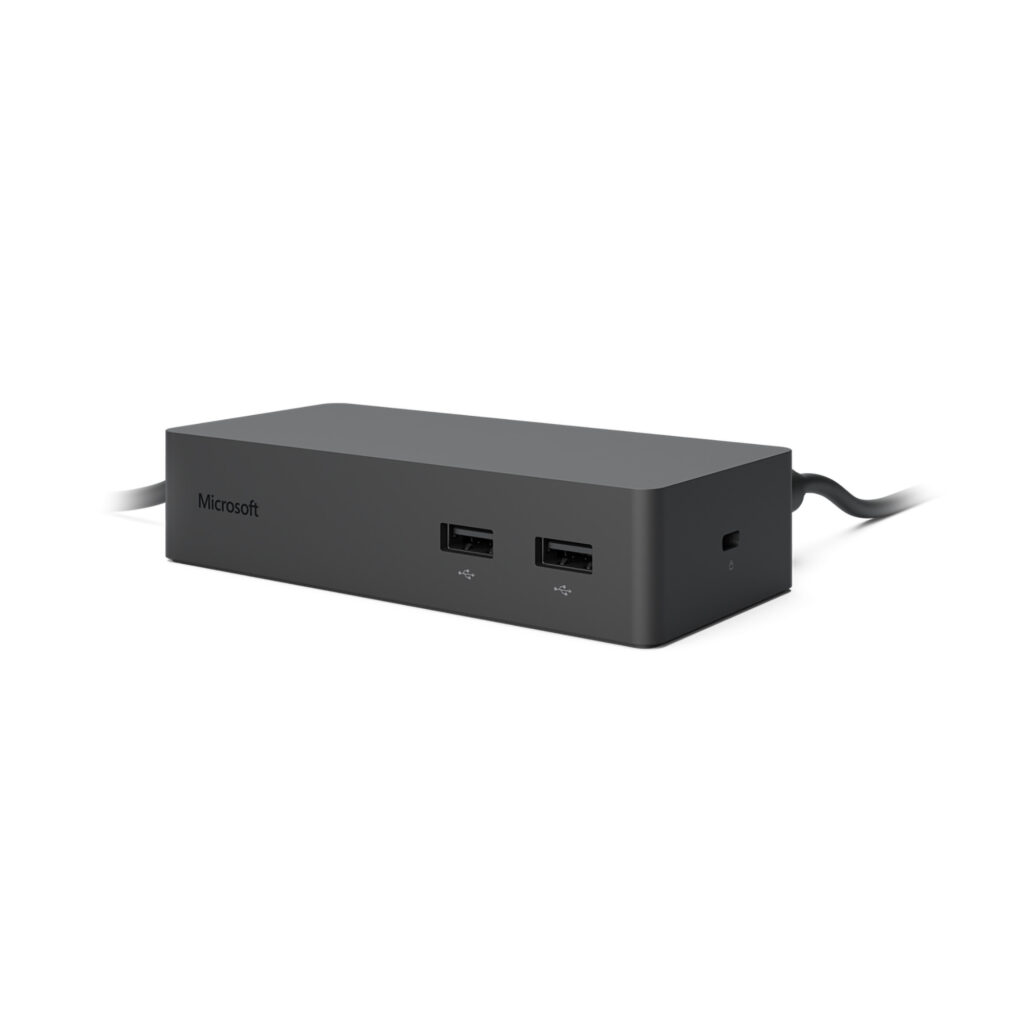
Many professionals and students rely on their Microsoft Surface devices for productivity, but the limited ports can often be a hindrance. The Microsoft Surface Dock 2 addresses this issue by providing additional connectivity options, transforming a portable tablet into a full-fledged workstation. With its compact design and robust functionality, this docking station can significantly enhance your workspace.
Equipped with multiple ports, the Surface Dock 2 allows users to connect external monitors, USB devices, and network connections seamlessly. This is particularly beneficial for those who require a dual-monitor setup or need to connect peripherals like printers and external storage devices. The docking station is designed specifically for Microsoft devices, ensuring compatibility and optimized performance.
Pros
- Increases connectivity with multiple ports including USB-C and USB-A
- Supports dual 4K displays for enhanced productivity
- Compact and lightweight design suitable for home or office use
- Easy setup with a single Microsoft Surface Connector cable
- Power delivery capability charges the Surface device while in use
Cons
- Limited to Microsoft Surface devices, restricting broader compatibility
- No HDMI or DisplayPort outputs, which may frustrate some users
- Price point may be higher compared to generic alternatives
- Requires an external power source, limiting portability
Who It’s For
Professionals working from home who need to connect multiple peripherals
Students using Surface devices for classwork and presentations requiring additional displays
Creative professionals who rely on high-resolution monitors for design work
How We Evaluated
In evaluating the Microsoft Surface Dock 2, we compared its specifications against competing docking stations, focusing on port availability, ease of use, and performance with Surface devices. We examined user reviews and expert opinions to understand real-world functionality, particularly in multi-display setups. Competing products considered included the Dell WD19 and CalDigit TS3 Plus, both of which offer broader compatibility but may lack the specialized design for Surface devices.
We also assessed the physical dimensions of the dock—130 mm width, 70 mm depth, and 30 mm height—to determine its fit in various workspace environments. Performance metrics, such as charging speed and data transfer rates, were also pivotal in establishing its value in a professional setting.
Affiliate Disclosure: This article contains affiliate links. When you purchase through links on our site, we may earn a commission at no additional cost to you. Our editorial team independently selects products based on research and testing. We only recommend products we genuinely believe in.