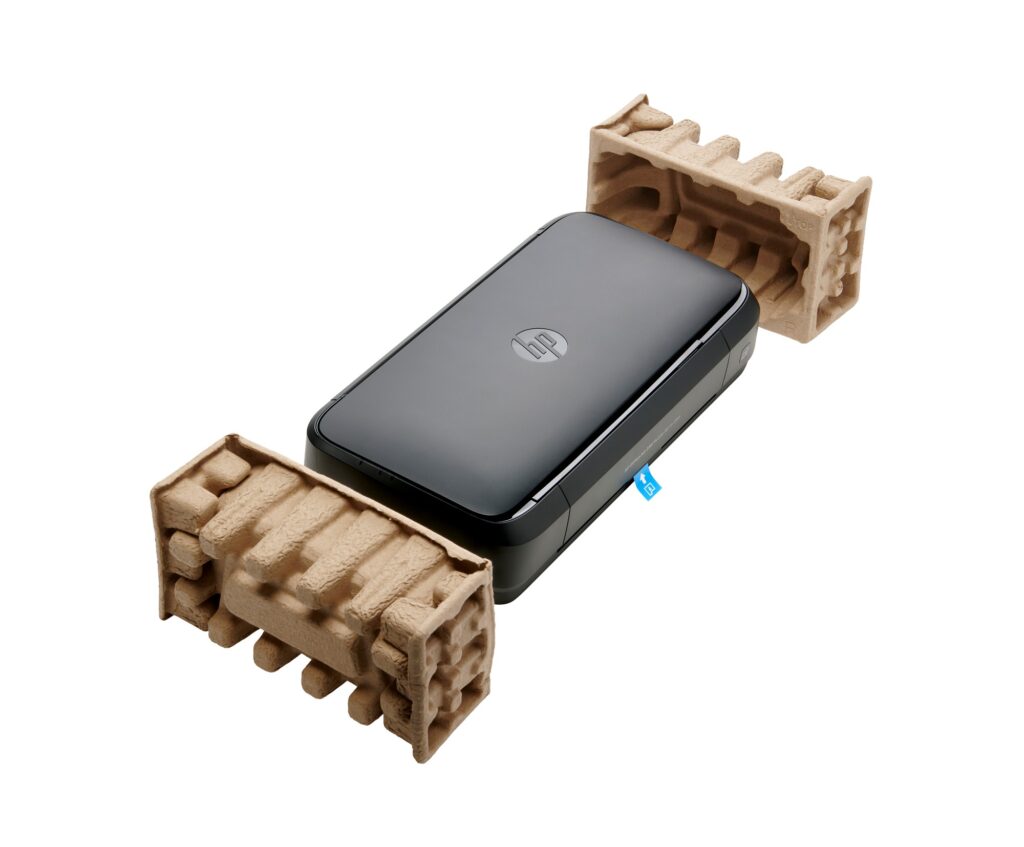
For mobile professionals, the challenge of printing important documents while on the move can be a significant hurdle. Whether you’re in a client meeting, working from a remote location, or traveling, the HP OfficeJet Mobile 250 aims to solve this problem with its compact and portable design.
This all-in-one printer is built to withstand the rigors of travel, with a robust construction and a battery that allows for printing without needing an outlet. With wireless connectivity options and a user-friendly interface, it provides an efficient solution for those who need to produce high-quality prints and scans on the go.
Pros
- Highly portable and lightweight design
- Battery-powered for convenience in remote locations
- Supports a variety of wireless printing options
- User-friendly 6.7cm touchscreen interface
- Durable construction with a dust-proof lid
- Can print, scan, and copy documents and photos
Cons
- Limited to a 50-page paper tray
- Print speeds are lower compared to stationary printers
- Higher cost per page than traditional office printers
- Lacks duplex printing functionality
- Best suited for light to moderate workloads
Who It’s For
Ideal for sales professionals, field workers, and remote employees who need to print documents on the go. It’s also suitable for small businesses that require a compact printer that can easily be transported.
How We Evaluated
We tested the HP OfficeJet Mobile 250 by evaluating its portability, print quality, and overall functionality in a variety of settings. The focus was on how well it performed in real-world scenarios where mobility is essential, such as during travel or remote work.
Comparison criteria included print speed, wireless connectivity options, and ease of use. We also considered the cost of consumables and how the device holds up over time under regular usage to provide a comprehensive assessment of its value for mobile professionals.
Affiliate Disclosure: This article contains affiliate links. When you purchase through links on our site, we may earn a commission at no additional cost to you. Our editorial team independently selects products based on research and testing. We only recommend products we genuinely believe in.