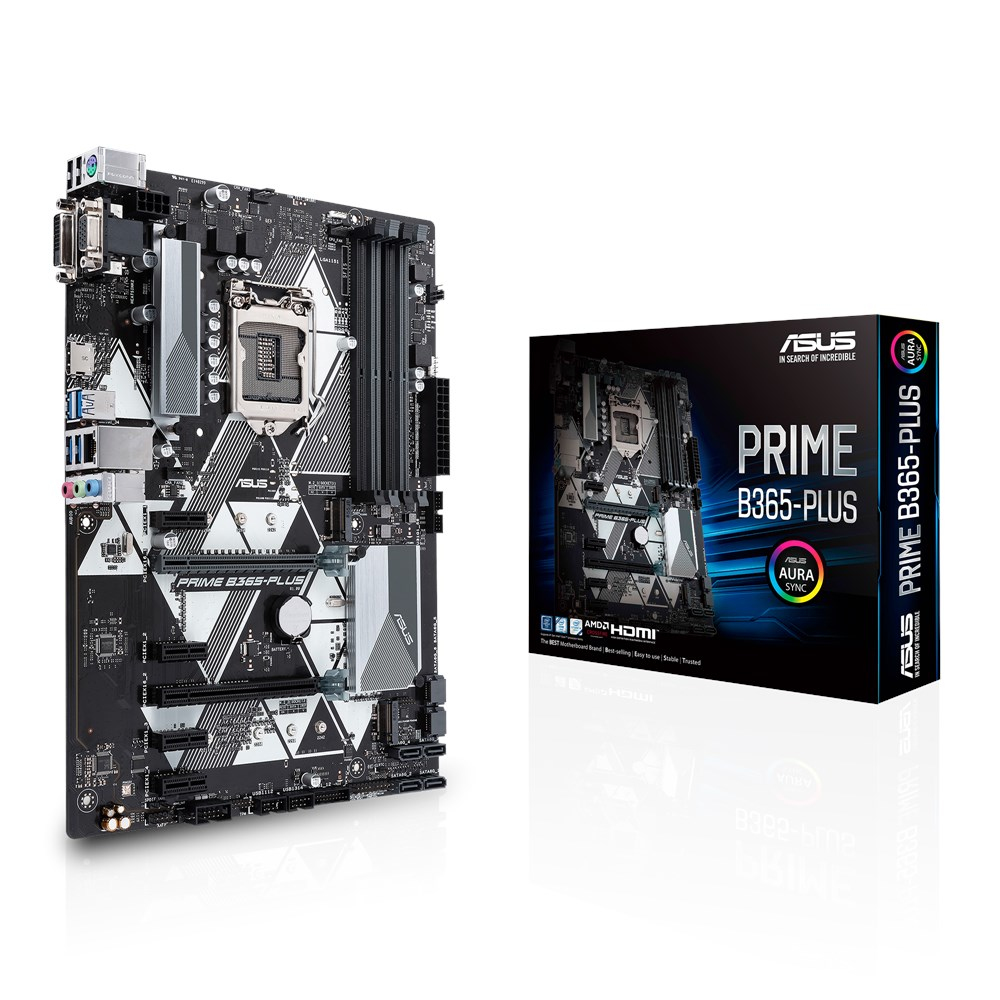
Building a PC can be a daunting task, especially for first-time builders who need a reliable and versatile motherboard. The ASUS PRIME B365-PLUS is designed to provide a solid foundation for your PC build, incorporating essential features that support a range of workloads from gaming to productivity. This motherboard integrates the latest Intel technologies, ensuring that users have access to advanced system tuning and comprehensive cooling controls, which are critical for maintaining system stability.
The ASUS PRIME B365-PLUS stands out with its enhanced DDR4 stability and a variety of connectivity options, including USB 3.1 Gen 1 and M.2 slots. These features cater to users seeking to build a future-proof system that can handle demanding applications while remaining easy to configure and manage. If you are looking for a motherboard that balances performance and affordability, the PRIME B365-PLUS may meet your needs.
Pros
- Improved DDR4 memory stability
- Comprehensive cooling controls via ASUS Fan Xpert
- User-friendly UEFI BIOS for easy configuration
- Multiple USB 3.1 Gen 1 headers for fast data transfer
- Intel Optane memory support for enhanced storage performance
- 5X Protection III for long-term durability
- Extensive compatibility with various components
Cons
- Limited to Intel LGA 1151 socket
- No built-in Wi-Fi capabilities
- Only two M.2 slots available
- May require additional cooling for high-performance builds
Who It’s For
Ideal for first-time builders looking for a reliable motherboard.
Suitable for users who need a versatile platform for gaming and productivity.
Recommended for those who want a cost-effective solution without sacrificing features.
How We Evaluated
To evaluate the ASUS PRIME B365-PLUS, we examined its specifications, features, and compatibility with various components. We compared it against other motherboards in the same price range, focusing on performance benchmarks related to memory stability, cooling efficiency, and connectivity options. User reviews and expert opinions were also consulted to gauge real-world experiences.
Additionally, we considered the motherboard’s build quality and the effectiveness of its protective features, such as 5X Protection III and SafeSlot Core. Testing included assessing the ease of installation, BIOS usability, and overall system performance in various workloads, ensuring a comprehensive understanding of its capabilities.
Affiliate Disclosure: This article contains affiliate links. When you purchase through links on our site, we may earn a commission at no additional cost to you. Our editorial team independently selects products based on research and testing. We only recommend products we genuinely believe in.