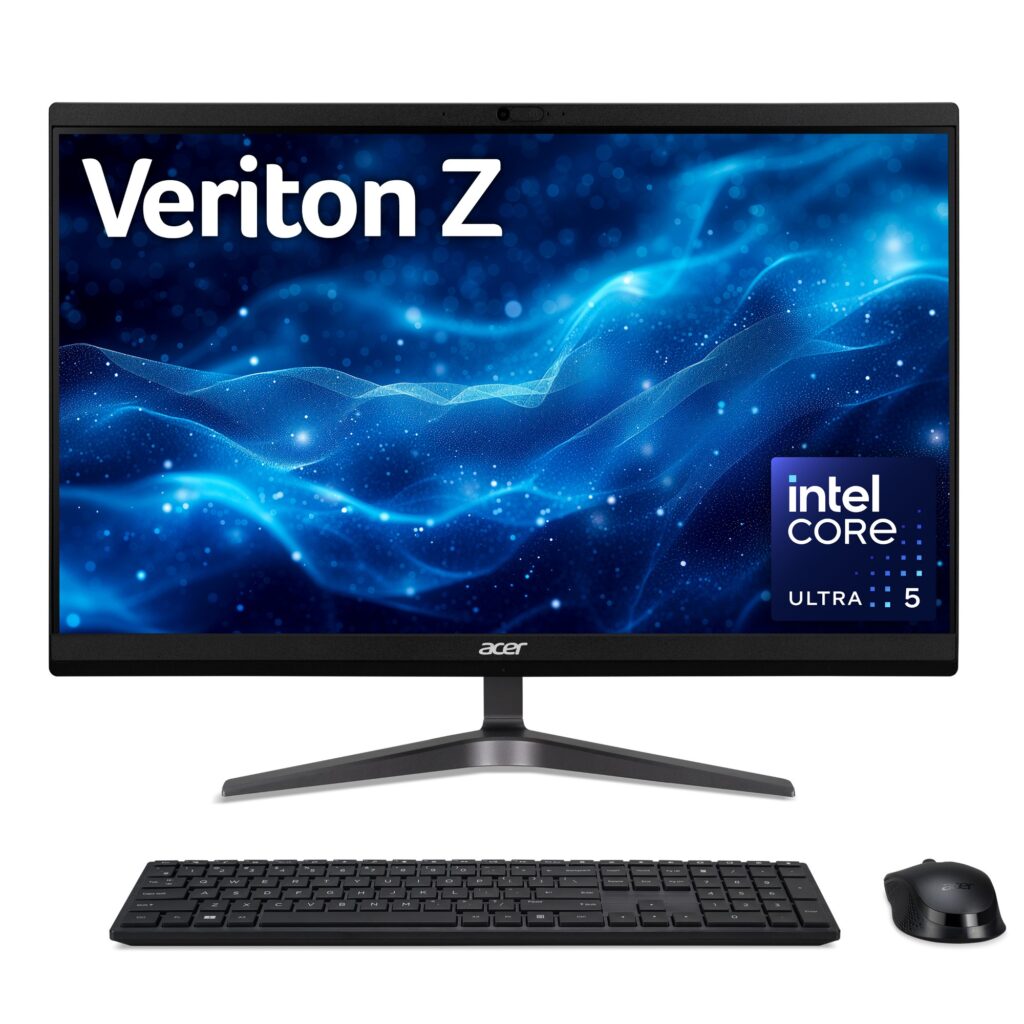
The Acer Veriton 2000 (VZ2524G) is designed to meet the needs of professionals seeking a compact and efficient computing solution. With its all-in-one design, it minimizes clutter while providing a powerful performance suitable for office tasks, video conferencing, and even light multimedia use.
Equipped with an Intel Core Ultra 5 processor and a 23.8-inch Full HD display, the Veriton 2000 offers a balance between functionality and space-saving design. This makes it an attractive option for small offices, home workspaces, or educational environments where desk space is at a premium.
Pros
- Compact all-in-one design saves space
- Good performance for everyday tasks and light multitasking
- Full HD IPS display provides good color accuracy and viewing angles
- Comes with Windows 11 Pro, offering a modern user experience
- 512GB SSD ensures fast boot times and application loading
- Built-in camera supports video conferencing needs
Cons
- Limited upgrade options due to the all-in-one design
- Integrated graphics may not support demanding gaming or graphic design tasks
- Only 8GB of RAM may limit multitasking capabilities for heavy users
- Lack of dedicated graphics card may deter some users
Who It’s For
Ideal for small business professionals who need a reliable workstation.
Great for students requiring a compact system for studying and online classes.
Suitable for home users looking for a versatile desktop for everyday tasks.
How We Evaluated
To assess the Acer Veriton 2000, we tested its performance across various common office applications, including word processing, spreadsheet management, and video conferencing tools. We also evaluated its display quality through visual tests, measuring color accuracy and viewing angles.
Comparisons were made to similar all-in-one desktops in terms of processing power, storage capacity, and overall usability. Benchmarking included loading times for applications and responsiveness during multitasking to determine how well it meets the demands of typical users.
Affiliate Disclosure: This article contains affiliate links. When you purchase through links on our site, we may earn a commission at no additional cost to you. Our editorial team independently selects products based on research and testing. We only recommend products we genuinely believe in.